

Android smartphones are packed with powerful features, but most users only scratch the surface.
Even in 2026, Android still hides many useful features that can improve productivity, privacy, and everyday usability.
In this guide, you’ll discover 7 hidden Android features that most users don’t know about—but should definitely start using.
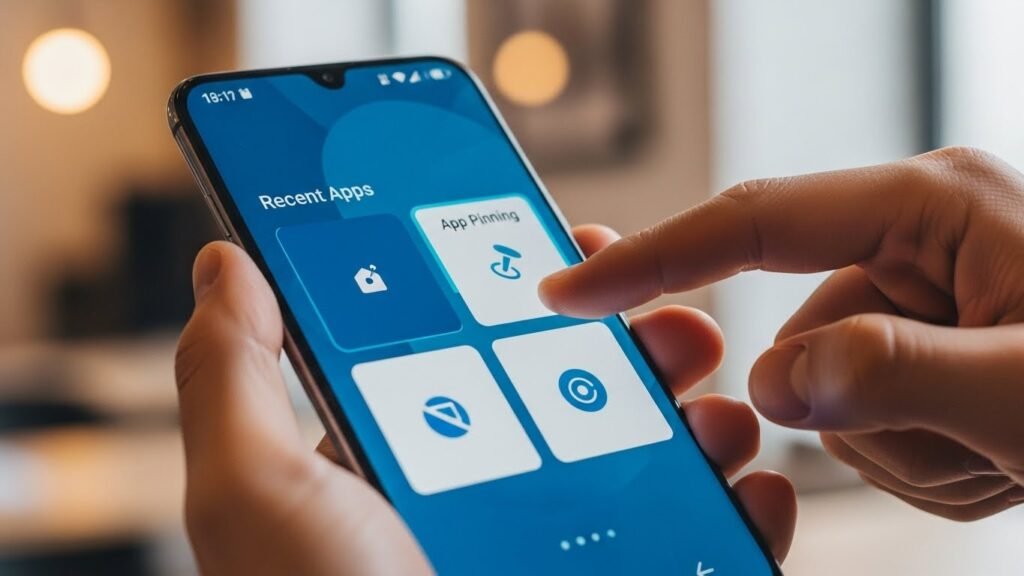
1. App Pinning (Lock One App on Screen)
App Pinning lets you lock a single app on the screen, preventing access to other apps.
Why it’s useful:
- Protects privacy
- Perfect when lending your phone to someone
- Prevents accidental app switching
How to enable:
- Go to Settings → Security & Privacy
- Enable App Pinning
- Open an app → Tap Overview → Pin
2. Split Screen Multitasking
Split Screen allows you to use two apps at the same time.
Use cases:
- Watch YouTube while chatting
- Browse the web while taking notes
- Multitask efficiently
How to activate:
- Open Recent apps
- Tap the app icon
- Select Split screen
3. Smart Text Selection
Android automatically recognizes useful text like phone numbers, addresses, and emails.
Benefits:
- One-tap copy
- Open Maps directly
- Save contacts faster
👉 Works especially well in Chrome and messaging apps.
4. One-Handed Mode
Large-screen phones can be difficult to use with one hand.
Enable it:
- Settings → System navigation
- Turn on One-handed mode
- Swipe down on the bottom edge
5. Notification History
Accidentally dismissed a notification? Android keeps a log.
How to enable:
- Settings → Notifications → Notification history
- Turn it ON
👉 Never miss important alerts again.
6. Digital Wellbeing Tools
Android helps you manage screen time and focus.
Features include:
- App timers
- Focus mode
- Bedtime mode
Perfect for reducing distractions and improving productivity.
7. Guest Mode (Privacy Protection)
Guest Mode lets others use your phone without accessing your personal data.
Best for:
- Sharing your phone temporarily
- Protecting photos, messages, and apps
Final Verdict
Android offers far more features than most users realize.
By exploring these hidden Android features, you can make your phone smarter, safer, and more enjoyable to use.
Small features can make a big difference in daily l