
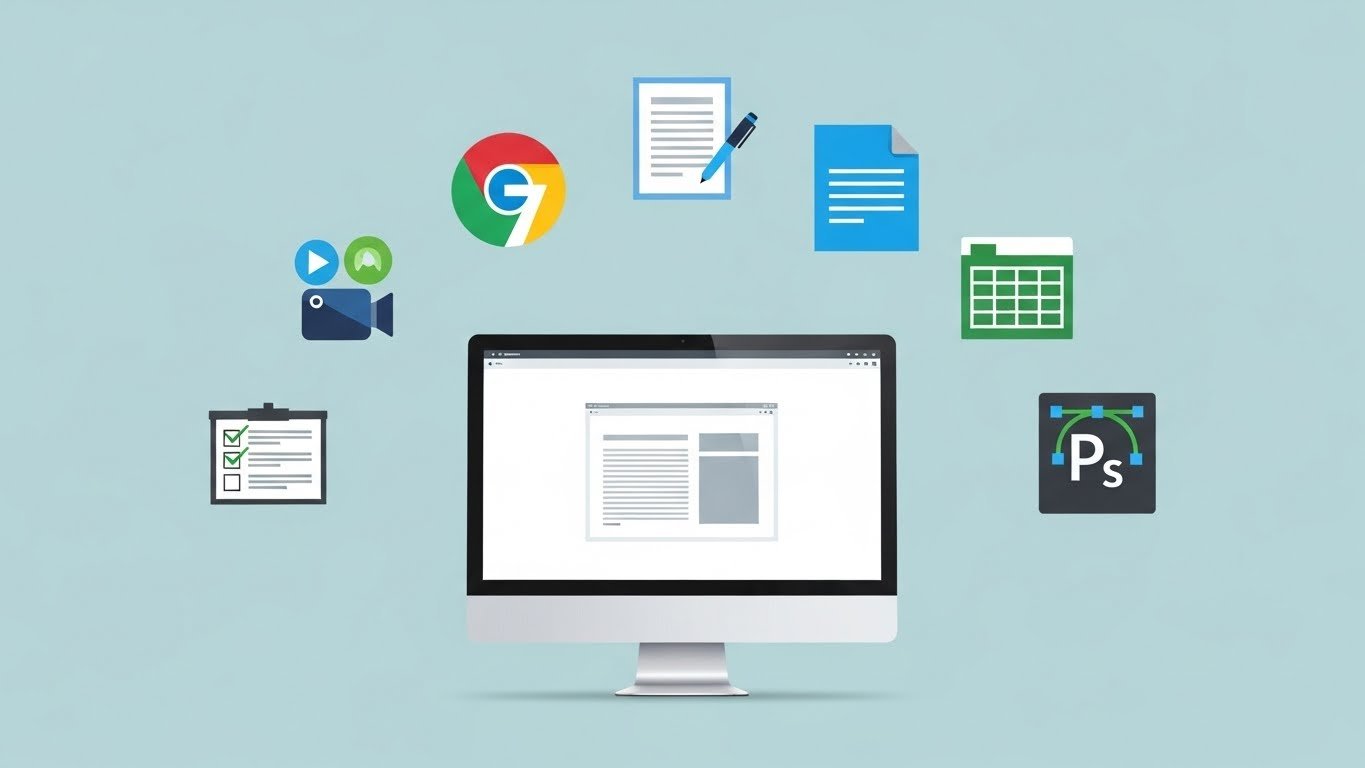
Using the right software can completely change your PC experience.
In 2026, you don’t need expensive paid programs—there are powerful free tools that can handle most everyday tasks.
In this guide, we’ll cover the best free software every PC user should install for productivity, security, and performance.
1. Google Chrome or Mozilla Firefox (Web Browser)
A fast and secure browser is essential for daily internet use.
Why you need it:
- Faster browsing
- Strong security updates
- Thousands of extensions
👉 Chrome is great for speed, while Firefox is excellent for privacy.

2. LibreOffice (Free Office Suite)
LibreOffice is the best free alternative to Microsoft Office.
Includes:
- Writer (Word alternative)
- Calc (Excel alternative)
- Impress (PowerPoint alternative)
✔️ Compatible with MS Office files
✔️ 100% free and offline
3. VLC Media Player (Video & Audio)
VLC is a must-have media player for any PC.
Benefits:
- Plays almost all video formats
- Lightweight and fast
- No ads, no spyware
Perfect for movies, music, and streaming files.
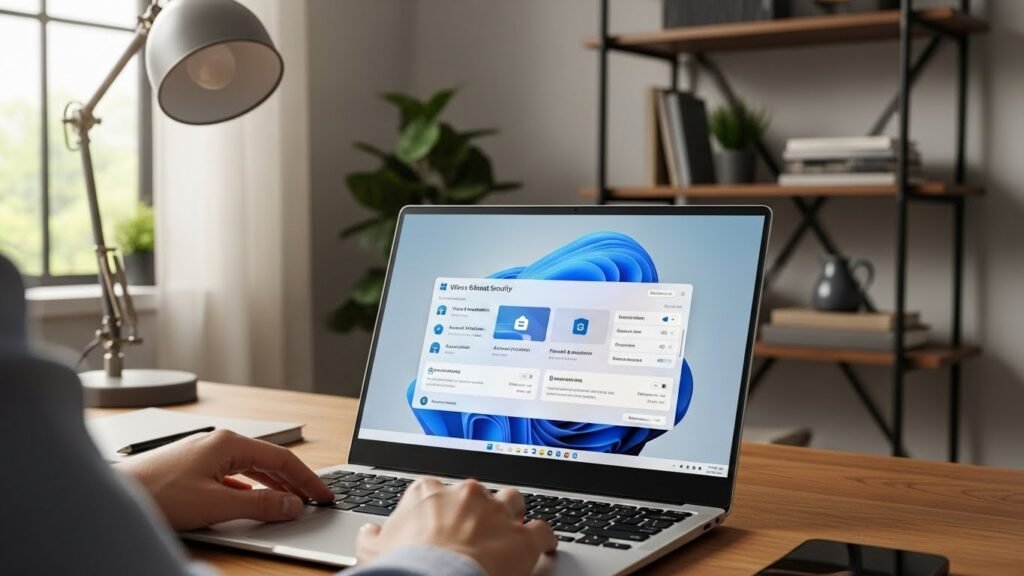
4. Windows Defender (Built-in Antivirus)
You don’t need paid antivirus software anymore.
Why Defender is enough:
- Built into Windows
- Real-time protection
- Regular security updates
👉 For most users, Windows Security is more than sufficient.
5. 7-Zip (File Compression Tool)
7-Zip helps you compress and extract files easily.
Supports:
- ZIP
- RAR
- 7z
- TAR and more
✔️ Free
✔️ Lightweight
✔️ Very powerful
6. Notepad++ (Text & Code Editor)
Notepad++ is perfect for:
- Editing text files
- Writing basic code
- Managing logs and scripts
It’s fast, simple, and much better than default Notepad.
7. CCleaner (System Cleanup – Optional)
CCleaner helps clean temporary files and free disk space.
⚠️ Tip:
Use it carefully and avoid registry cleaning if you’re a beginner.
Final Verdict
You don’t need expensive software to use your PC efficiently.
With the right free tools, you can:
- Boost productivity
- Improve security
- Keep your system fast and clean
These free programs cover almost everything a normal PC user needs in 2025.