


Is your Android phone getting slower day by day?
Apps take longer to open, scrolling feels laggy, and the battery drains faster than usual.
Don’t worry—this is a very common issue.
In this guide, you’ll learn simple and proven ways to make your Android phone faster in just 5 minutes.
1. Clear App Cache (Instant Speed Boost)
Cached data helps apps load faster, but too much cache can slow your phone.
How to clear cache:
- Go to Settings → Apps
- Select a heavy app (Chrome, Facebook, YouTube)
- Tap Storage → Clear Cache
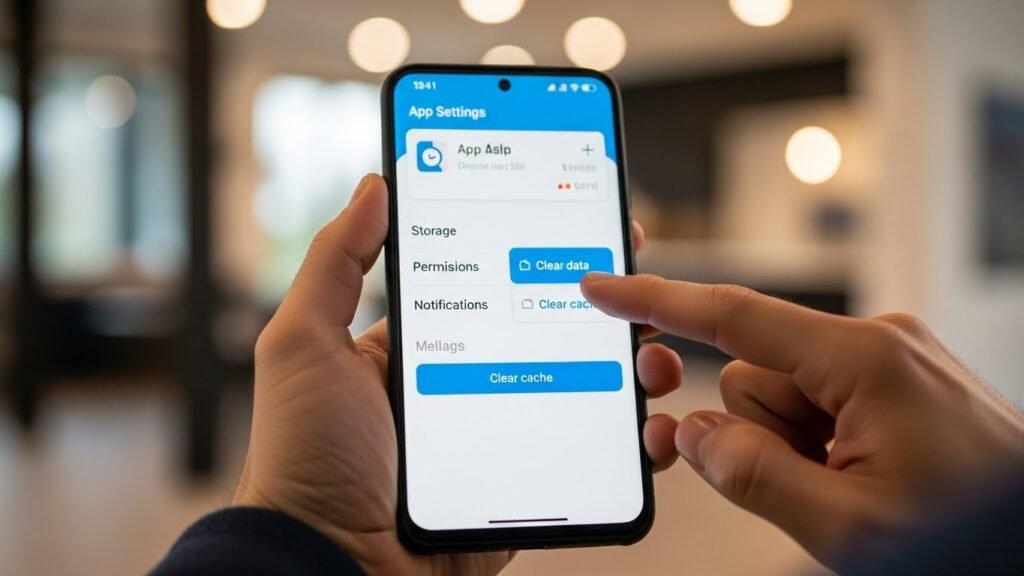
✅ Result: Faster app performance and smoother scrolling
2. Remove Unused Apps
Apps you don’t use still consume storage and background resources.
What to do:
- Open Settings → Apps
- Uninstall apps you no longer need
- Remove pre-installed bloatware if possible
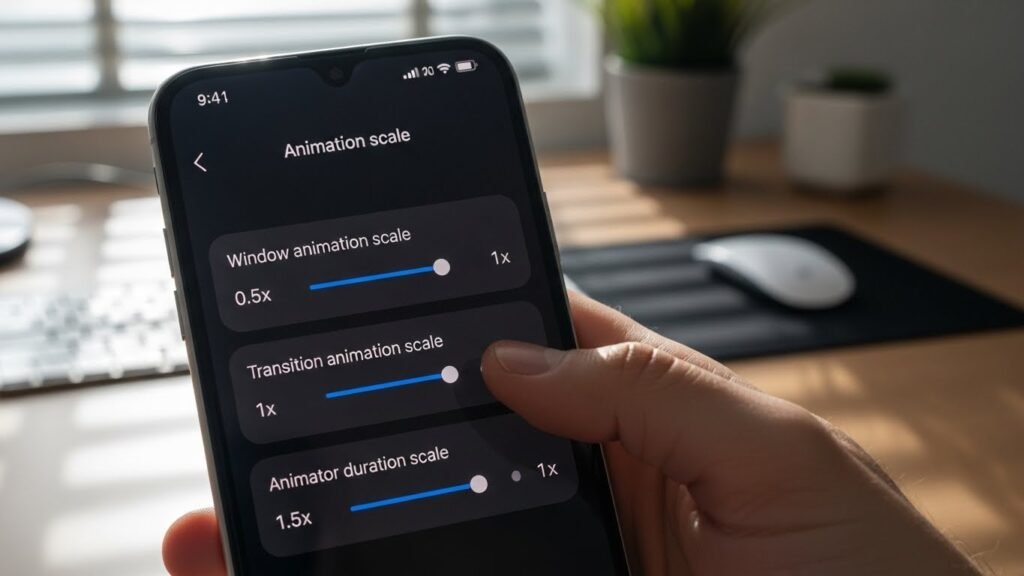
3. Disable or Reduce Animations
Android animations look nice but use system power.
Steps:
- Enable Developer Options
- Set:
- Window animation scale → 0.5x or Off
- Transition animation scale → 0.5x or Off
- Animator duration scale → 0.5x or Off
4. Restart Your Phone Regularly
A simple restart clears background processes and frees up memory.
👉 Restart your phone at least once every 2–3 days.
5. Free Up Storage Space
Low storage slows down Android significantly.
Quick tips:
- Delete unnecessary photos and videos
- Clear WhatsApp/Telegram media
- Move files to cloud storage
- Keep at least 20% storage free
Bonus Tips for Better Performance
- Keep your Android system updated
- Avoid task killer apps
- Use lightweight launcher if needed
- Scan for malware occasionally
Final Verdict
A slow Android phone doesn’t always mean old hardware.
In most cases, simple maintenance steps are enough to restore speed.
By following these tips, you can make your Android phone faster, smoother, and more responsive in 2026—without spending any money.