

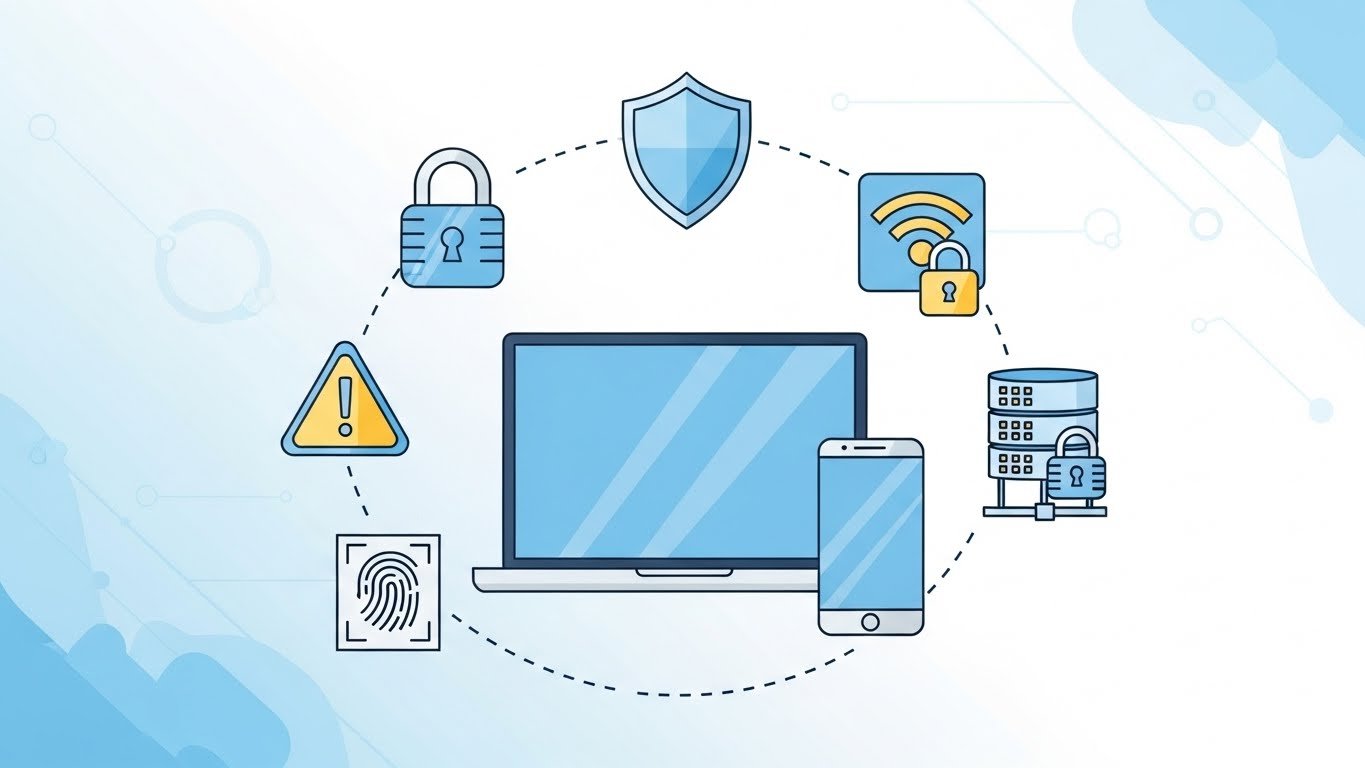
The internet makes life easier—but it also comes with risks.
For new users, online threats like scams, phishing, and malware can be confusing and dangerous.
In this guide, you’ll learn 10 essential internet safety tips that every beginner should follow to stay safe online in 2026.
1. Use Strong and Unique Passwords
Weak passwords are the easiest way for hackers to access accounts.
Best practices:
- Use at least 12 characters
- Combine letters, numbers, and symbols
- Never reuse the same password
👉 Consider using a password manager.

2. Enable Two-Factor Authentication (2FA)
2FA adds an extra security layer to your accounts.
Why it matters:
- Protects even if your password is stolen
- Prevents unauthorized logins
Enable 2FA on email, social media, and banking apps.
3. Be Careful with Suspicious Emails
Phishing emails often look real.
Warning signs:
- Urgent messages
- Unknown senders
- Suspicious links or attachments
👉 Never click links without checking the sender.

4. Avoid Public Wi-Fi for Sensitive Tasks
Public Wi-Fi networks are often unsecured.
Avoid using them for:
- Online banking
- Shopping
- Logging into important accounts
If needed, use a trusted VPN.
5. Keep Software and Devices Updated
Updates often fix security vulnerabilities.
Always update:
- Operating system
- Browsers
- Apps and antivirus software
Outdated software is an easy target for hackers.
6. Don’t Download from Unknown Websites
Many free downloads contain hidden malware.
Safe rule:
- Download software only from official websites
- Avoid cracked or pirated files
7. Review App Permissions Carefully
Apps sometimes request unnecessary permissions.
Check permissions for:
- Camera
- Microphone
- Location
- Contacts
Disable permissions you don’t need.
8. Use Antivirus and Firewall Protection
Security tools act as your first defense line.
Recommended:
- Microsoft Defender (Windows)
- Built-in firewall enabled
These tools protect against common threats.
9. Think Before Sharing Personal Information
Oversharing can lead to identity theft.
Avoid sharing:
- Phone number
- Address
- Financial details
- Personal documents
Especially on social media platforms.
10. Learn to Recognize Online Scams
Scams are getting smarter every year.
Common scams include:
- Fake giveaways
- Job scams
- Tech support scams
👉 If something sounds too good to be true—it probably is.
Final Verdict
Internet safety is not optional—it’s essential.
By following these basic internet safety tips, new users can avoid most online threats in 2026.
Staying safe online is about awareness, habits, and smart decisions.