


Millions of people use Windows every day—but many unknowingly make mistakes that slow down their PC, reduce security, and cause unnecessary problems.
In this guide, we’ll cover 7 common Windows mistakes and explain how to fix them easily, even if you’re not a tech expert.
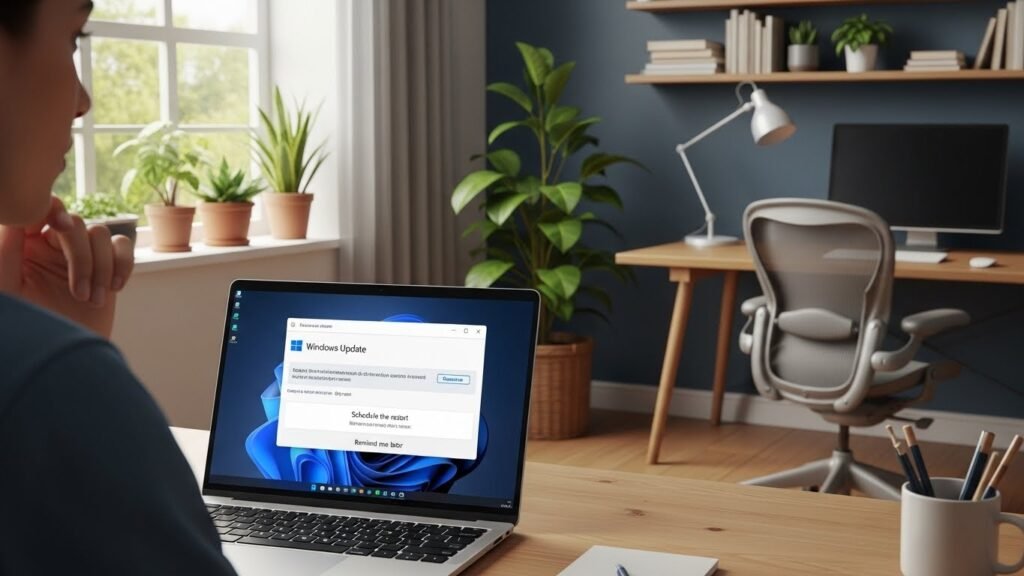
1. Ignoring Windows Updates
Many users delay or completely ignore Windows updates.
Why this is a problem:
- Missed security patches
- Performance issues
- Software compatibility problems
Fix:
- Go to Settings → Windows Update
- Install updates regularly
- Restart your PC after updating
2. Installing Too Many Unnecessary Programs
Over time, users install software they never use again.
Problems caused:
- Slower startup
- Reduced system performance
- Less free disk space
Fix:
- Open Settings → Apps → Installed apps
- Uninstall programs you don’t need
- Keep only essential software
3. Using a Weak or No Antivirus
Some users rely only on luck—or outdated antivirus software.
Why it’s risky:
- Malware and ransomware attacks
- Data theft
- System instability
Fix:
- Use Windows Security (Defender) or a trusted antivirus
- Keep virus definitions updated
- Avoid cracked software
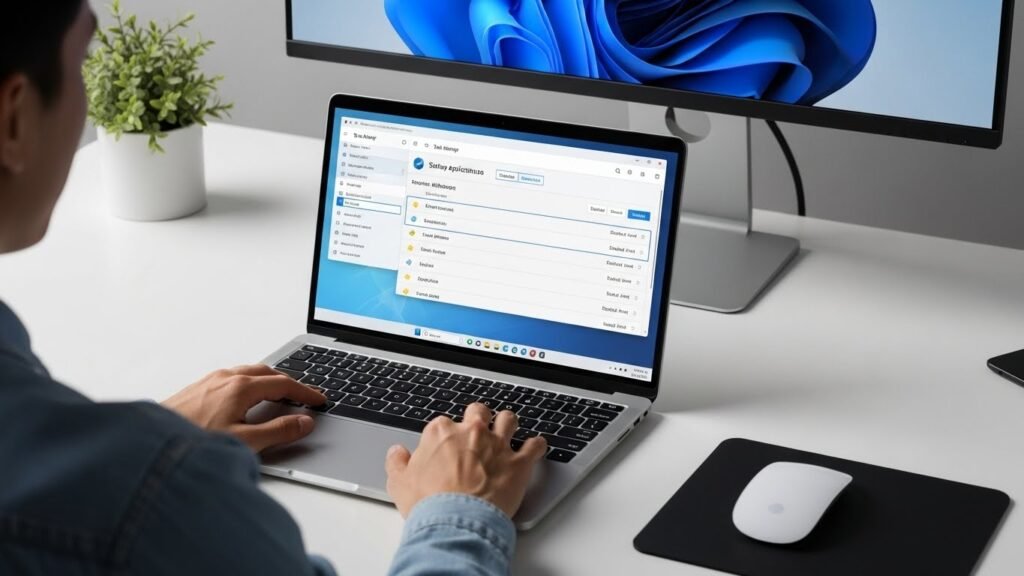
4. Letting Startup Apps Run Freely
Too many startup apps slow down boot time.
Fix:
- Press Ctrl + Shift + Esc
- Open Startup tab
- Disable unnecessary apps
5. Never Cleaning Temporary Files
Temporary files build up silently over time.
Problems:
- Slower performance
- Low disk space
- System clutter
Fix:
- Enable Storage Sense
- Delete temporary files regularly
- Empty Recycle Bin
6. Not Backing Up Important Data
Many users realize this mistake only after data loss.
Common causes:
- System crash
- Virus attack
- Accidental deletion
Fix:
- Use OneDrive or external storage
- Enable automatic backups
- Backup important files weekly
7. Using an HDD Instead of an SSD
This is one of the biggest performance killers.
Why it matters:
- Slow boot time
- Slow app loading
- Overall sluggish experience
Fix:
- Upgrade to an SSD
- Even a budget SSD makes Windows feel much faster
Final Verdict
Most Windows performance and security issues are caused by user mistakes—not Windows itself.
By avoiding these common errors, you can:
- Make your PC faster
- Improve security
- Extend your computer’s lifespan
A few small changes can make a big difference.