
10 Personal Cybersecurity Habits: How to Bulletproof Your Digital Life in 2026
We live in an era where our entire lives—our finances, our memories, our careers, and our private conversations—are stored as ones and zeros on servers we will never see. While this digital convenience is incredible, it brings a terrifying reality: the barrier between a criminal and your life savings is often just a simple password.
In 2026, cybercrime is no longer just about teenagers defacing websites. It is a multi-billion-dollar industry run by organized crime syndicates. They use Artificial Intelligence to write convincing phishing emails, automate attacks on millions of accounts simultaneously, and hold personal data for ransom.
The good news? You do not need to be a computer genius to stay safe. In fact, 90% of cyber attacks are not sophisticated hacks; they are opportunistic crimes that rely on victims making simple mistakes. By adopting a few key personal cybersecurity habits, you can make yourself a “hard target”—someone who is too much trouble for hackers to bother with.
This guide outlines ten practical, non-technical habits that every IT lover and regular user should adopt immediately to secure their digital world.
1. Stop Reusing Passwords (The “Master Key” Problem)
If you use the same password for your email, your bank, and that random forum you signed up for five years ago, you are sitting on a ticking time bomb.
Here is the scenario: That random forum gets hacked. The hackers steal the database of emails and passwords. They then run a “credential stuffing” script that automatically tries that email and password combination on Netflix, Amazon, PayPal, and Gmail. If you reused the password, they are in.
The Fix: Use a Password Manager
The single most important habit is to use a Password Manager (like Bitwarden, 1Password, or Proton Pass). These tools generate long, random, gibberish passwords for every single site (e.g., Xy9#mP2!qL$z) and remember them for you. You only need to remember one strong “Master Password” to unlock the vault.
2. Enable Multi-Factor Authentication (MFA/2FA) Everywhere
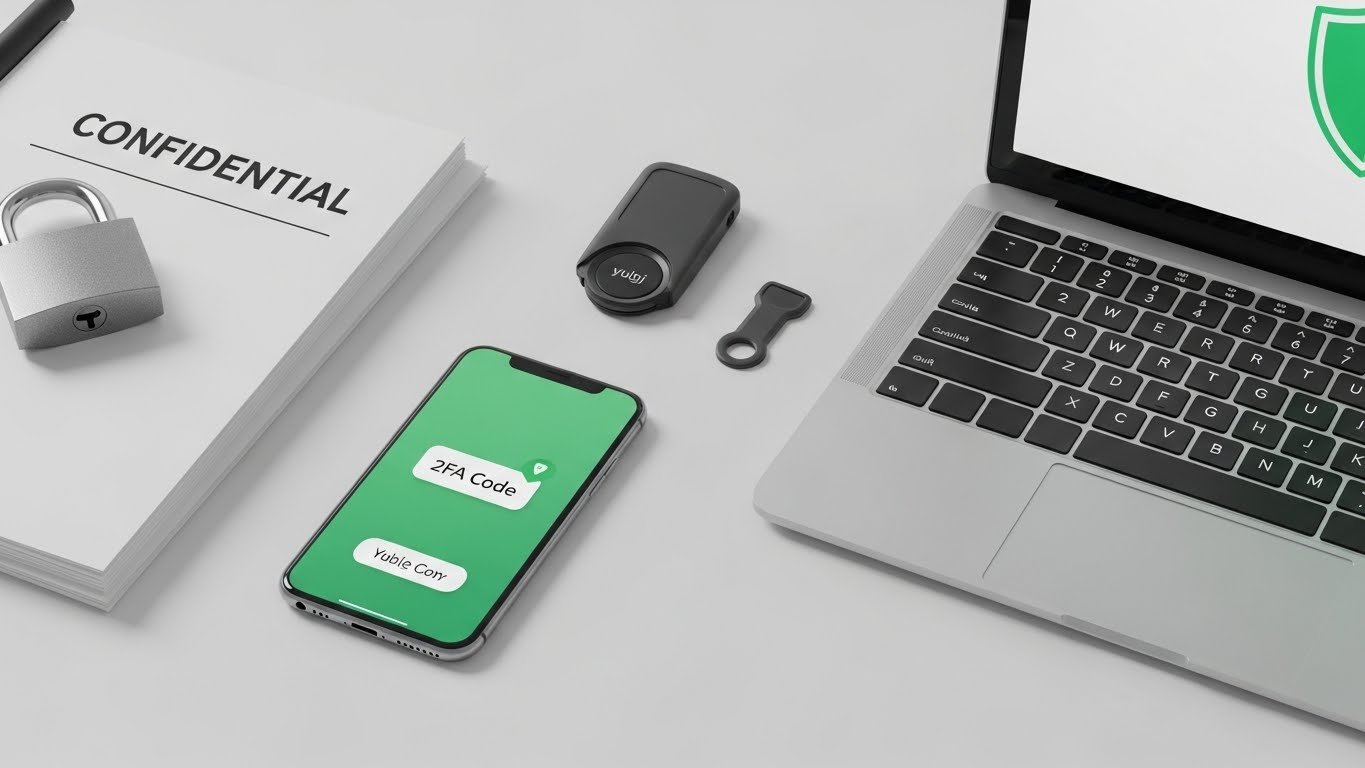
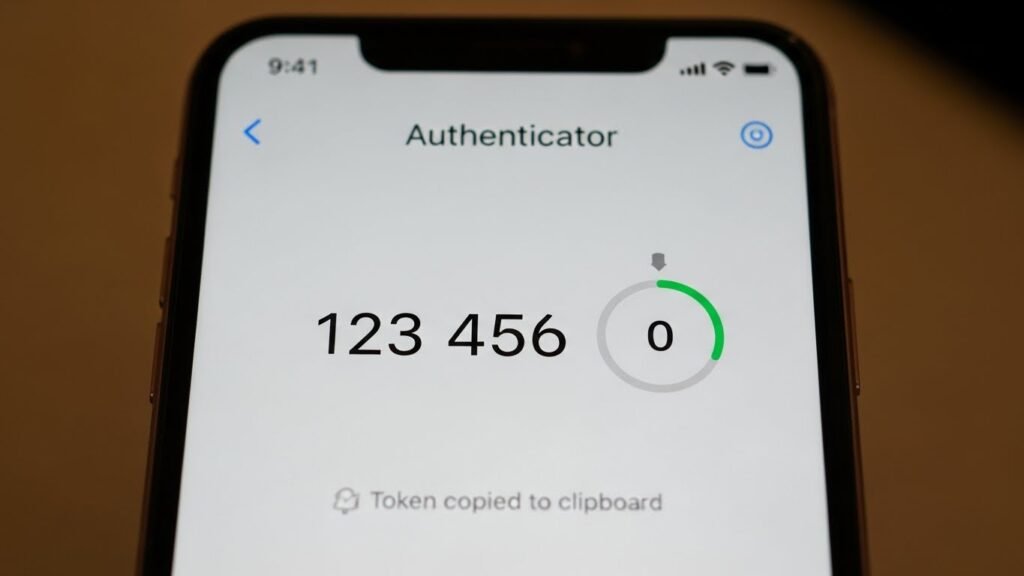
A password, no matter how strong, can be stolen. Multi-Factor Authentication (MFA) adds a second layer of defense. It asks for something you know (password) and something you have (your phone or a security key).
Not All MFAs Are Created Equal
- Good (SMS Codes): Better than nothing, but susceptible to “SIM Swapping” attacks where hackers clone your phone number.
- Better (Authenticator Apps): Apps like Google Authenticator or Authy generate codes locally on your device. These are much safer.
- Best (Hardware Keys): Physical devices like YubiKeys are nearly unhackable. You physically plug them into the USB port to log in.
If a service offers MFA, enable it. It is the single most effective way to stop an account takeover.
3. The “Zero Trust” Mindset for Emails
Phishing remains the #1 way hackers get into systems. Modern AI tools allow scammers to write emails that look perfect—no more bad grammar or spelling mistakes. They can mimic your boss, your bank, or Netflix with frightening accuracy.
The 3-Second Pause
Adopt the habit of the “3-Second Pause.” Before you click any link in an email:
- Check the Sender: Click the sender’s name to reveal the actual email address. Does it say support@netflix.com or support-netflix-billing@randomsite.xyz?
- Hover, Don’t Click: Hover your mouse over the button. Look at the bottom-left corner of your browser to see the actual URL.
- Verify Independently: If the email says “Your payment failed,” close the email. Open your browser, type netflix.com manually, and check your account there. Never trust the link in the email.
4. Keep Your Software Updated (Patch Tuesday)
Those annoying “Update Available” pop-ups? They are your digital shield. Software companies like Microsoft, Apple, and Google have teams of security engineers hunting for holes in their code. When they find one, they issue a “patch” to close it.
If you ignore the update, you are leaving the door open for hackers who now know exactly where that hole is. Hackers can scan the internet for computers running outdated versions of Windows or macOS and automatically attack them.
Habit: Enable “Automatic Updates” for your Operating System and your web browser. Reboot your computer at least once a week to ensure these updates apply.
5. Be Paranoi… I Mean, “Careful” on Public Wi-Fi
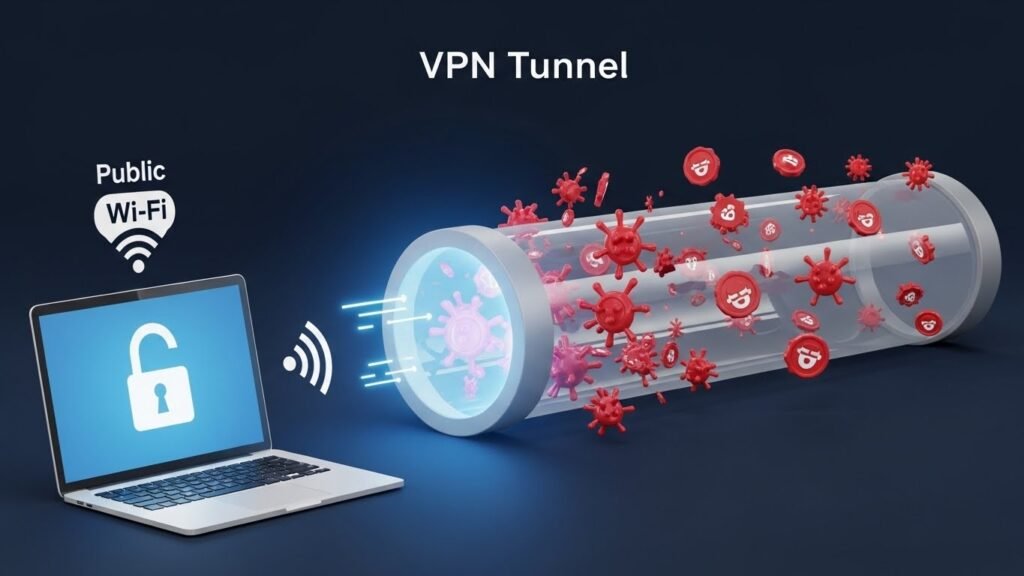
Free Wi-Fi at coffee shops, airports, and hotels is a playground for hackers. It is incredibly easy to set up a “fake” Wi-Fi hotspot named “Starbucks_Free_WiFi” and trick your phone into connecting to it. Once connected, the attacker can intercept everything you do (Man-in-the-Middle attack).
The Solution: Use a VPN
A Virtual Private Network (VPN) encrypts your internet traffic. It creates a secure tunnel between your device and the internet. Even if you are on a compromised Wi-Fi network, the hacker will only see gibberish. Never check your bank account on public Wi-Fi without a VPN.
6. Audit Your “Social Media Oversharing.”
Social engineering is the art of manipulating people into giving up confidential information. Hackers love social media because you voluntarily give them the answers to your security questions.
- “Happy 50th Anniversary to my parents!” (Now they know your mother’s maiden name).
- “So excited to take my first trip to Paris!” (Now they know your house is empty).
- “Look at my cute dog, Rover!” (Now they know your first pet’s name).
Habit: Set your social media profiles to private. Be vague about personal details. Never post photos of your boarding pass (the barcode contains your frequent flyer info!).
7. Limit Browser Extensions
Browser extensions are useful, but they have a dark side. Many extensions require permission to “Read and change all your data on the websites you visit.” This means a simple “Coupon Finder” extension could technically read your bank balance or capture your passwords.
Even legitimate extensions can be sold to bad actors who then push a malicious update to millions of users.
Habit: regularly audit your extensions. If you haven’t used it in a month, delete it. Only install extensions from reputable developers with a long history of trust.
8. Backups: The Ransomware Antidote
Ransomware is a type of malware that locks your files and demands money to unlock them. If you get hit, you have two choices: pay the criminal (and hope they unlock it) or lose everything.
Unless you have a backup.
Follow the 3-2-1 Backup Rule:
- 3 copies of your data (Primary, Backup 1, Backup 2).
- 2 different media types (e.g., Computer Drive + External Hard Drive).
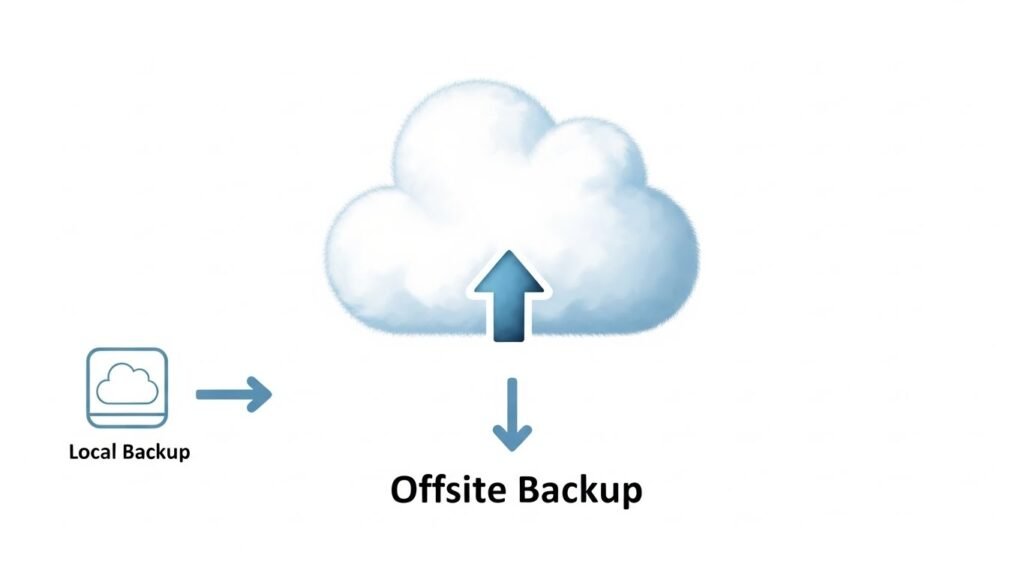
- 1 copy offsite (Cloud Storage like Google Drive or Backblaze).
If you have a recent offsite backup, ransomware is just an annoyance, not a catastrophe. You wipe the computer and restore your files.
9. Separate Your Finances
Don’t keep all your eggs in one basket. If a hacker gains access to your primary checking account, they can drain your life savings in minutes.
Habit:
- Use a Credit Card for online purchases, not a Debit Card. Credit cards offer far better fraud protection. If a hacker steals your credit card number, they are stealing the bank’s money, not yours, and the bank will fight to get it back.
- Keep a separate “Savings” account at a different bank, if possible, or at least one that is not linked to your debit card, so it cannot be drained at an ATM.
10. Lock Your Devices (Physical Security)
We focus so much on digital threats that we forget physical ones. If your laptop is stolen from your car or a coffee shop table while you are in the bathroom, all the firewalls in the world won’t help if the device is unlocked.
Habit:
- Mobile: Set a strong passcode (minimum 6 digits) and enable Biometrics (Face ID/Fingerprint).
- Laptop: Configure your screen to lock automatically after 2 minutes of inactivity.
- Disk Encryption: Enable BitLocker (Windows) or FileVault (Mac). This ensures that if someone steals your laptop and removes the hard drive, they still cannot read the data without your password.
Conclusion
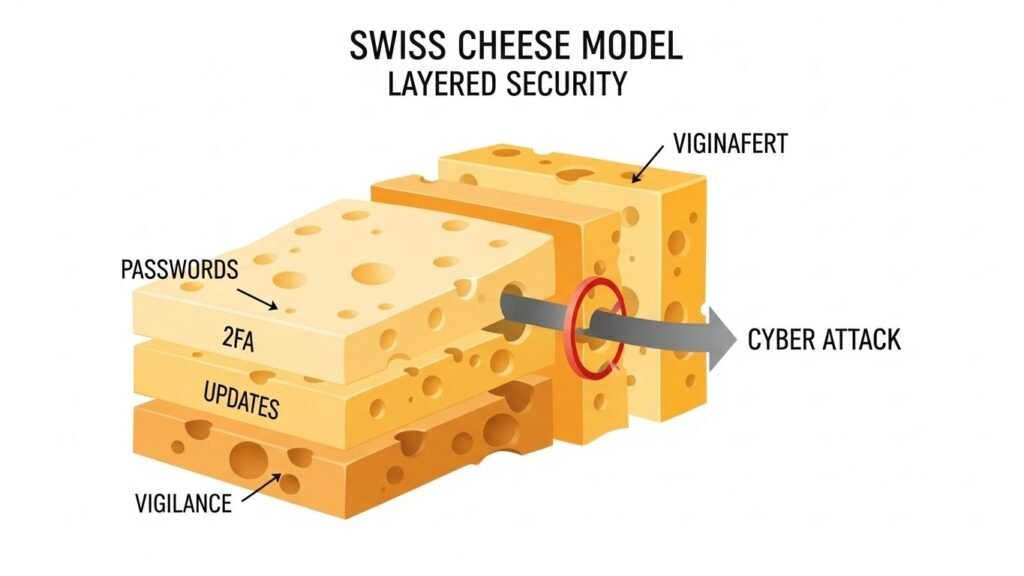
Building strong personal cybersecurity habits isn’t about becoming a tech wizard or living in fear. It is about reducing your “attack surface.”
Hackers are looking for low-hanging fruit. They want the person with the password 123456, the person who clicks every link, and the person who never updates their laptop. By implementing these ten habits—especially using a Password Manager and enabling 2FA—you make yourself a difficult target.
Start today. Download a password manager, update your PC, and enable 2FA on your email. These small steps build a wall of protection around your digital life that will serve you for years to come.